
Start with the person opening the parcel
A gift can arrive on time and still feel wrong. The note may be absent, the purchaser may receive a reassuring update that the recipient cannot use, or a document may expose details the brand did not intend to share. A useful conversation with your 3PL starts with the actual experience at the doorstep.
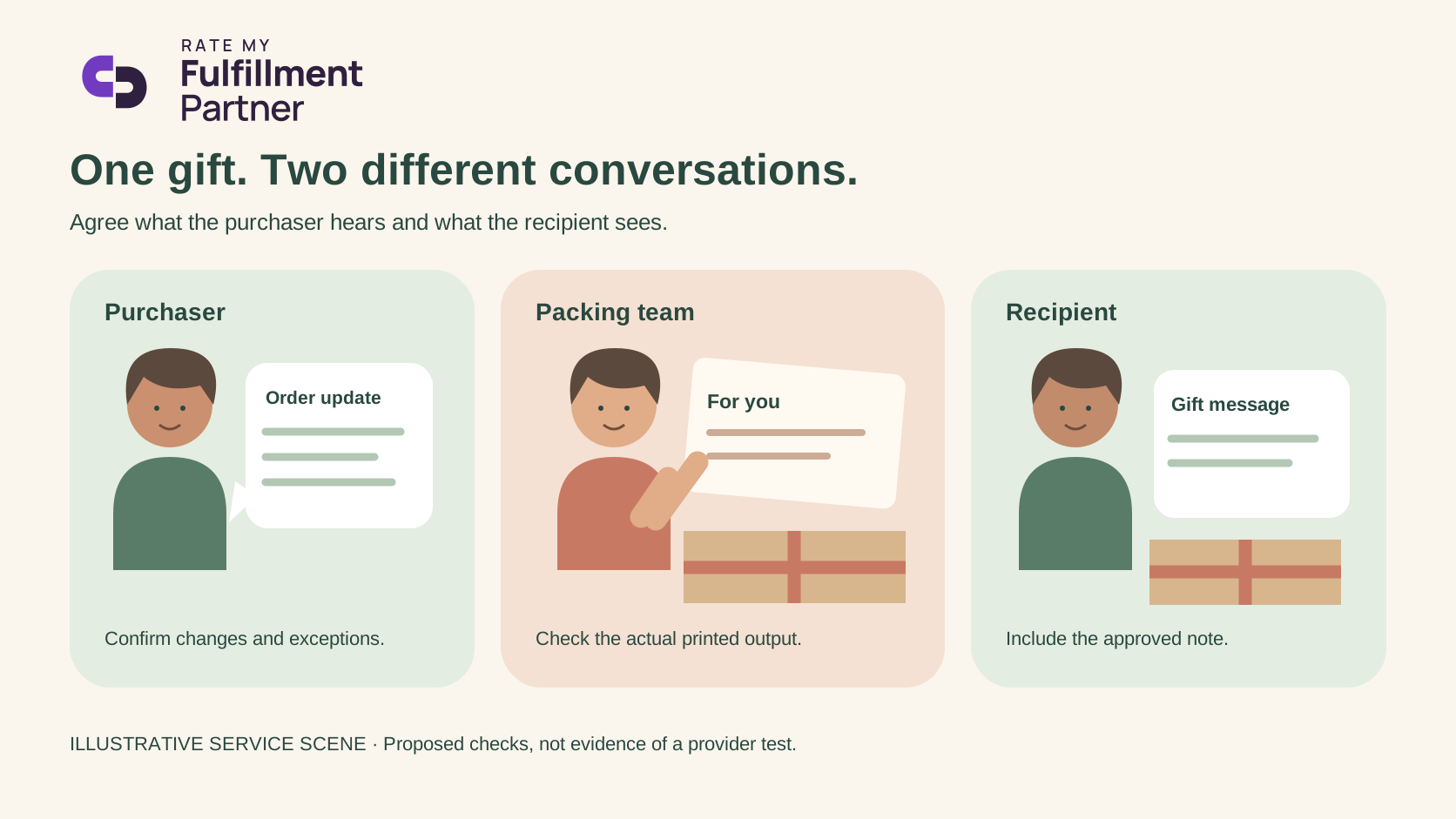
Make two columns: purchaser and recipient. Decide who gets the order confirmation, who gets delivery information, what appears inside the package, and who can ask for help. Treat those decisions as service requirements rather than assuming that checking a gift box at checkout controls every downstream system.
Inspect the real printed document
Shopify documents that packing slips can include shipping and billing addresses and product details, and that templates can be customized. It also supports a separate slip for each shipment. Those features establish what can be configured in Shopify; they do not prove what a connected warehouse prints. Packing slips; printing guidance.
Ask for a sample produced through the warehouse's actual order path. Review the purchaser details, recipient details, price-related fields if present, gift text and return instructions. Do not assume that every default slip contains a price or that removing a field in one application removes it everywhere. Approve the output you can see.
Use four cases in the handover
We built this proposed acceptance checklist around four common decision points. It is a planning tool, not evidence that a particular provider has passed it.
| Case | Decision to agree | Evidence to request |
|---|---|---|
| Standard gift | Which note and document enter the parcel? | Actual printed sample |
| Split gift | Which parcel carries the note, and how is the split explained? | Both shipment documents |
| Missing message | Hold, send without a note, or ask the purchaser? | Named owner and response deadline |
| Amended message | What is the last point at which the change is accepted? | Acknowledgment tied to the released order |
A split gift deserves particular attention. A recipient who receives one item without an explanation may think the gift is incomplete. Choose a consistent approach, and avoid printing a promise about the second parcel unless its status supports that promise.
Give support an honest answer
If a note cannot be changed after packing, the account team should say so before the brand promises the change. An acknowledgment that a request was received is different from confirmation that the new note was printed. Agree on the evidence that closes that gap.
For an illustrative handover, the brand could record the order reference, approved message version, recipient-facing document and warehouse confirmation. Keep customer data only in the systems approved for the workflow; do not circulate unnecessary personal information in sample screenshots.
Review these four cases whenever the document template or fulfillment integration changes. The goal is a gift service that support can explain clearly, with the purchaser's intent and the recipient's experience both accounted for.
Related reading
Sources
- https://help.shopify.com/en/manual/fulfillment/managing-orders/printing-orders/packing-slips — accessed 2026-10-25
- https://help.shopify.com/en/manual/fulfillment/managing-orders/printing-orders/packing-slips/printing-packing-slips — accessed 2026-10-25