
Start with the customer who had to ask twice
Your account manager says a missing-item case is closed. Two days later, the customer asks again because the promised replacement has not arrived. A new ticket opens, another person replies and the support report counts another piece of work. The customer still has the same problem.
This is a useful subject for a service review because it connects communication to an outcome. Ask your 3PL to bring a small, fixed group of cases and follow each one to the same review date. Avoid starting with a month's total closures: those events may include old cases, duplicates and repeat attempts on one issue.
Follow one cohort instead of counting events
For an original illustrative exercise, we created a group of 40 cases opened during one week. By the first cutoff, 35 had been marked closed. By a later agreed review date, eight of those 35 had reopened for the same unresolved issue and remained open. The other five had never closed.
| Position at the later review | Cases |
|---|---|
| Closed and still closed | 27 |
| Reopened for the same issue | 8 |
| Never closed | 5 |
| Total in the original group | 40 |
There were 35 initial closure events, but only 27 of 40 cases remained closed: 67.5%. Thirteen remained unresolved at the later cutoff. This is invented case data, not a survey, provider score or recommended benchmark. A different observation window can change the result, and remaining closed does not itself prove that the customer was satisfied.
The point is to give both teams the same set of cases to discuss. Do not compare one provider's seven-day follow-up with another's month-long follow-up as if the results measured the same thing.
Agree on the event that finishes the work
A support status and an order status answer different questions. Shopify separately tracks order, payment, fulfillment and return statuses; it also notes that a canceled order can still need work if it has not been fully refunded. A closed support ticket should therefore point to the relevant action evidence rather than serve as a substitute for it. Shopify order statuses.
For a replacement, agree whether completion means authorization, warehouse dispatch or a later customer outcome. Those are different milestones. Record the one your team actually controls and identify the owner of anything still outstanding. For a warehouse investigation, completion might be an evidence-backed answer with the next decision assigned, even if another team must act afterward.
Keep a reopened case connected
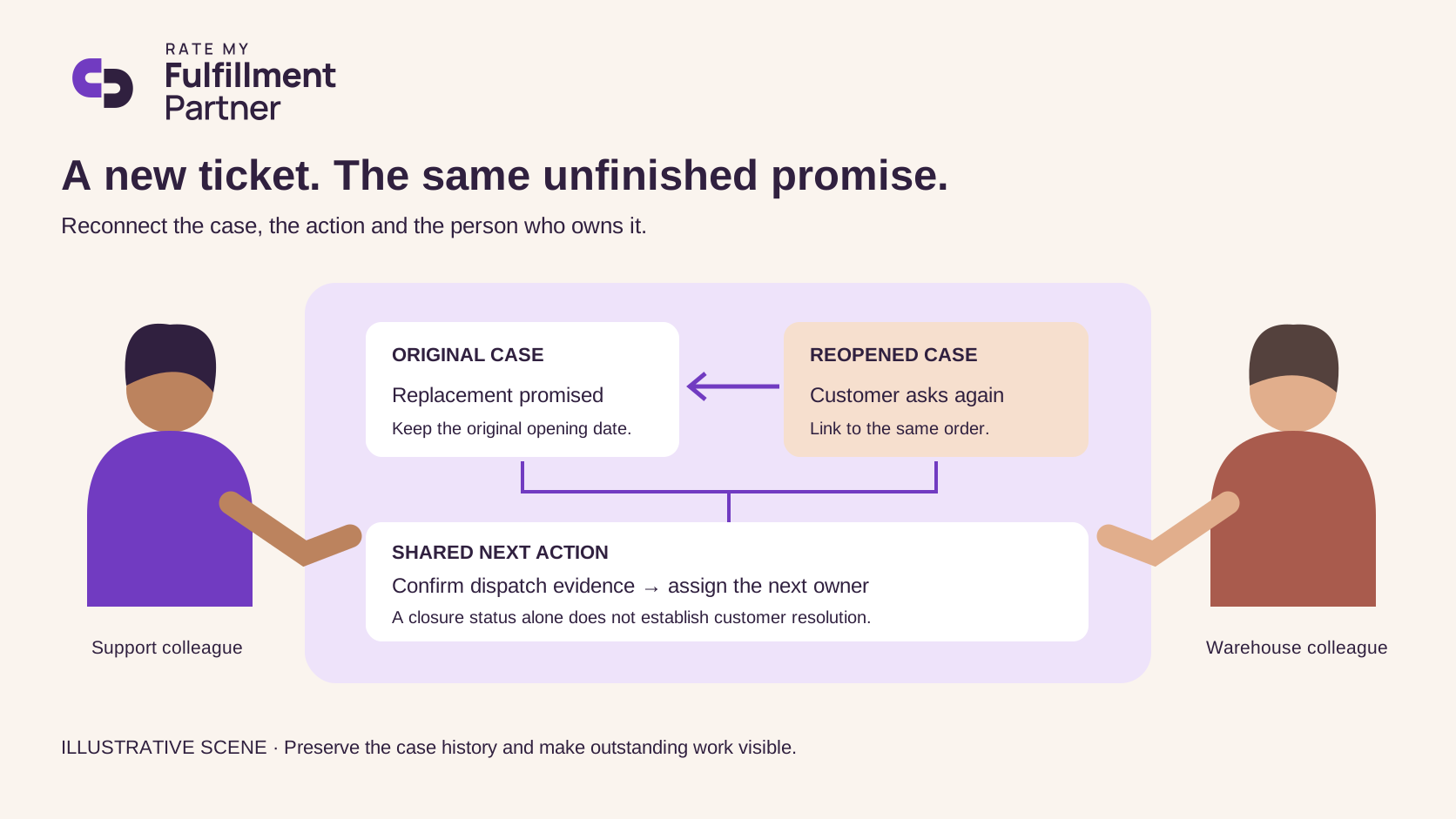
Our suggested review sheet has six fields: original case ID, order reference, promised action, evidence of action, reopening reason and next owner. Add the original opening date so a reopened case does not silently lose its age. Use a parent reference when the help desk requires a new ticket.
Separate the same unresolved issue from a genuinely new request. A customer asking about a different order should not automatically count as a failed resolution. Conversely, changing the ticket number should not make an unfinished replacement disappear from the review.
Leave with one repair to the process
Choose the clearest repeated handoff failure and agree one change: a required dispatch reference before closure, a refund confirmation from the responsible team, or an automatic follow-up when evidence is absent. Then review the next fixed group using the same definitions.
The goal is a relationship in which both sides can explain what remains to be done. A smaller closure count with clearer ownership can be a more useful report than a busy dashboard that repeatedly sends customers back to the beginning.
Related reading
Sources
Research accessed October 24, 2026.
- https://help.shopify.com/en/manual/fulfillment/managing-orders/order-status