
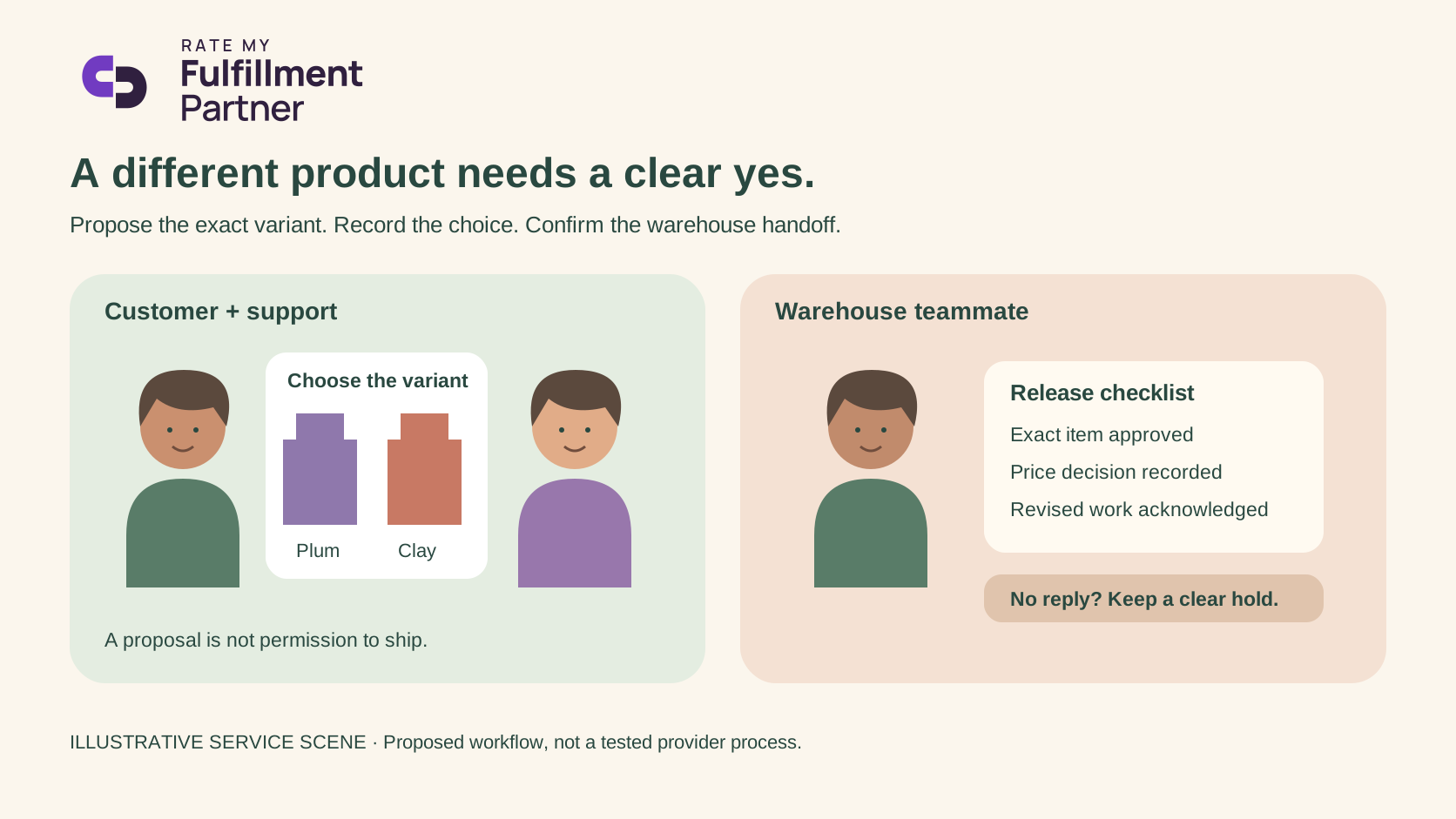
Give the customer a real choice
When a product runs out, a nearby size, color or formulation can look like an easy way to keep an order moving. It may be exactly the wrong choice for the person who bought it. Your 3PL should not have to guess what the customer will accept, and your support team should not promise a replacement that the warehouse cannot identify.
Agree a substitution process before the first stockout. Specify who may propose an alternative, who obtains approval, and who releases the order. If your business has a customer-approved substitution policy, translate its boundaries into precise warehouse instructions rather than a general note saying “use something similar.”
Separate a proposal from a release instruction
A useful proposal names the original item and the replacement by the identifiers your team actually uses. Explain the material difference, any price change and the effect on shipment timing. Save the customer's response with the order. A friendly conversation is helpful, but the packer needs a definite instruction tied to the correct variant.
Shopify documents that order edits can add or remove products, change quantities and adjust shipping fees. An increased total can require an updated invoice; a reduced total can lead to a refund. These are platform capabilities, not evidence that a connected 3PL has received the edit or that a customer has approved a substitute. Shopify order-editing guidance.
Before releasing the order, confirm the payment outcome where relevant and ask the warehouse to acknowledge the revised contents. If the original item has already been picked, identify what happens to that physical work. Updating a screen and changing the parcel are separate steps.
Four cases worth agreeing in advance
We built the following proposed service checklist. It has not been tested with any provider.
| Situation | Customer-facing action | Warehouse release condition |
|---|---|---|
| Exact alternative approved | Confirm the chosen variant and timing | Revised item instruction acknowledged |
| Alternative changes price | Explain the difference and resolve payment | Approved contents and payment decision recorded |
| Customer declines | Offer the brand's available options | No substituted item released |
| Customer has not replied | State the next update time | Hold or other previously authorized action, never inferred consent |
Choose a response deadline that your team can support and state what happens after it. A deadline should make the next action predictable; it should not quietly transform silence into approval. If the order contains other available items, decide separately whether a partial shipment is authorized and how any extra shipping cost is handled.
Count decisions, not just closed messages
Consider an invented queue of 12 affected orders. Seven customers approve the offered alternative, three decline and two have not replied. Seven orders have an approval outcome; five still need a different resolution or a later response. Even the seven should not be called ready to ship until the warehouse has accepted the revised work.
This small reconciliation catches a common reporting ambiguity: a support ticket can be answered while the fulfillment decision remains open. Track customer decision, warehouse acknowledgment and physical release as distinct states. Do not count a message sent as a successful substitution.
Make the handover kind and specific
Ask your account manager to review one fictional order with your support lead. Walk through an approved replacement and a refusal. Check that the order identifier, product variant, price decision and release owner remain clear at every handoff.
The goal is a customer who understands what will arrive and a warehouse team that can act without interpretation. A substitution process earns trust when it makes a difficult choice clear, not when it merely keeps the shipping dashboard moving.
Related reading
Sources
- https://help.shopify.com/en/manual/fulfillment/managing-orders/editing-orders — accessed 2026-10-26